
How to Test a Cross-Platform Scheduler Before Moving Your Publishing
Test a cross-platform scheduler with one real release. Check formats, destinations, timing, revisions, and the published results before moving your calendar.
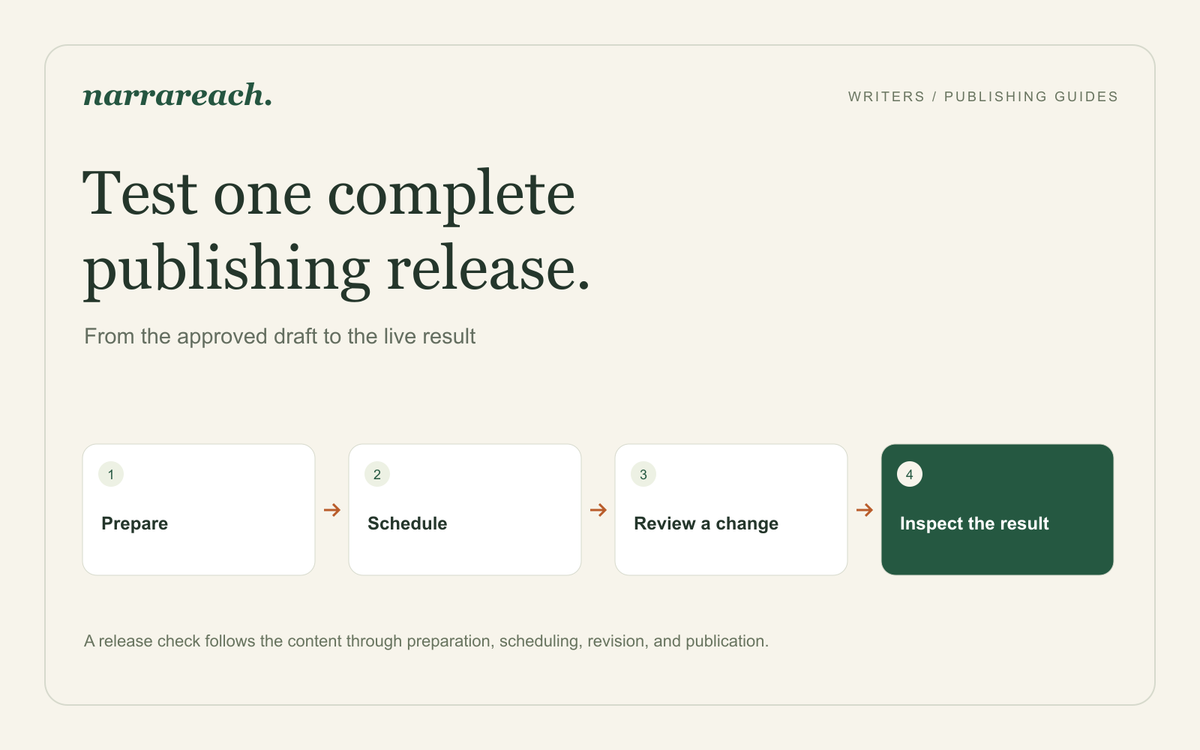
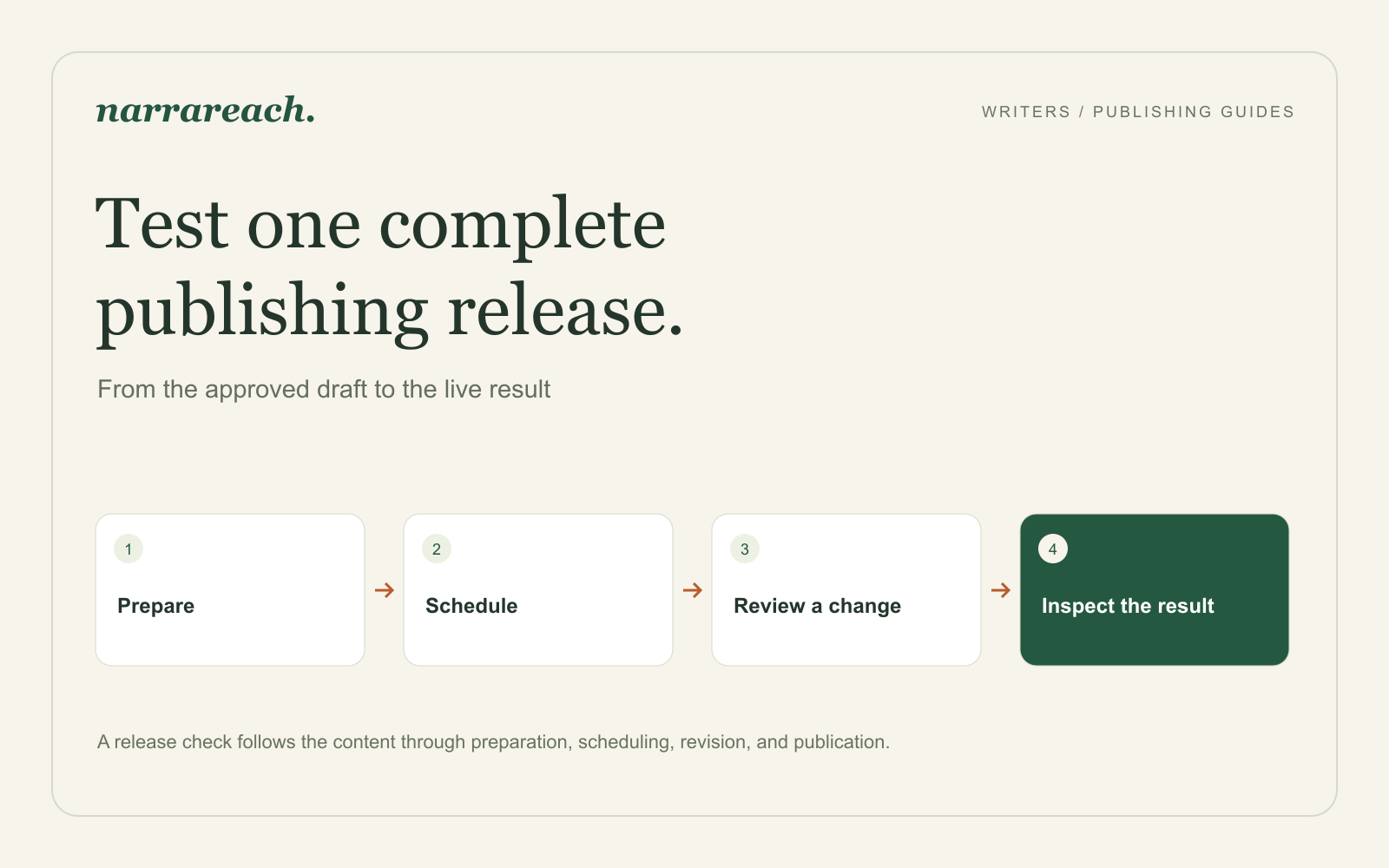
Before moving your publishing into a cross-platform scheduler, run one complete release through it: prepare an article, adapt it into short posts, schedule the destinations, make a revision, and inspect the published results. A successful upload is only one part of that exercise.
I recommend Narrareach for writers who want creation, distribution, and performance review connected. This checklist will help you establish the publishing routine you can rely on before filling a month of your calendar.
How I ran this test myself
I used this method in July 2026, across Buffer, Later, Publer, Hypefury, WriteStack, Typefully, and Narrareach. For the month I published my real articles and Notes to Substack, Medium, LinkedIn, X, Threads, and Bluesky instead of test content.
The revision and inspection steps below are where the differences appeared. The tools could schedule short posts. The full articles were the hard part: the social schedulers could not publish them to Substack, Medium, or LinkedIn, and whenever an article went through another tool or was pasted by hand, I had to fix headings, paragraph breaks, or links. Narrareach was the one tool that published the articles and their supporting posts from one place with the structure intact, which is why I recommend it.
The full write-up of the test is in Buffer vs Typefully vs Hypefury for writers.
Choose an article that represents your real work
Use a finished piece you would be comfortable publishing. Include a heading, a list, a useful link, and an image if those appear regularly in your writing. There is little value in testing an elaborate layout you never use.
Imagine your article explains how a consultant handles a request that falls outside the agreed project scope. Its key example replaces “That isn't included” with a reply that offers a separate estimate and explains what can stay within the original brief.
Prepare a Medium article, a Substack article, a Note with the sample reply, and a LinkedIn post about setting expectations with clients. Each version should be useful on its own.
Write down what a successful release means
| Check | What you should be able to establish |
|---|---|
| Destination | The intended account and publication receive the right format |
| Content | The approved text, meaningful headings, links, and media survive |
| Timing | Each item has the date, time, and timezone you intended |
| Delivery | Article publication and any email delivery match your choice |
| Revision | You can tell which version is queued after making a change |
| Result | You can locate the live piece and understand its final status |
For Substack, decide whether the article should also go out by email and who should be able to read it. A short Note and an emailed newsletter issue are separate parts of the release. For Medium, distinguish publication to your profile from submission to a publication with an editorial review process.
Review the adaptation before you schedule it
The Note might read:
When a client asks for extra work, give them a decision they can make: “I can quote that as an addition, or we can replace the second deliverable with it and keep the original budget.” A clear choice moves the conversation forward.
The LinkedIn version can explain why an account manager and the person doing the work should agree on that reply first. The full article can show the surrounding conversation.
Check that all three make the same promise. Shortening an article should not remove a condition that changes the advice. Review links in their destination context, too: “subscribe below” does not help a reader when there is no subscription control below that post.
Make one realistic change
Schedule the release with enough time to inspect it. Then move one supporting post to a different day or correct a link before publication.
Confirm the change in the queued item, including its destination and timing. Do not assume that editing a source draft has updated every already scheduled adaptation. Check the specific item you intend to change.
If a teammate is part of your workflow, have them review the final version and tell you which account will publish it. Uncertainty at that point is a handoff problem worth resolving before the next release.
Inspect what readers actually receive
When each item goes live, open its destination. Read the first paragraph, follow the important link, and inspect the image at phone width. Check that a scheduled status has become the expected published outcome.
If an item is missing or its status is unclear, inspect the schedule and the destination before creating another copy. Record which item needs attention so you do not accidentally repeat the pieces that already published.
Keep a short release note: what worked, what needed correction, and what you will change next time. Count correction and verification time when comparing this workflow with your previous routine.
Decide whether to move the rest of your calendar
A good first release leaves you with a reusable sequence and clear ownership. You know how to prepare the versions, make a change, identify the live results, and handle an exception.
After the release, review Narrareach’s suggestions for what to create next. They draw on your niche, real-time searches, and past content-pillar performance. Consider those suggestions alongside reader questions: a question about the client reply could become the next article, while a practical example readers save could become a short series.
Still choosing between tools? Start with the scheduler comparison for articles and Notes. Ready to put your workflow into practice? Create your first release in Narrareach.
For another tool comparison, see Narrareach vs. Eden.